Ruko F11GIM2 & F11GIM & F11PRO & F11 Landing Gear
How to Replace Drone Landing Gears

Step1
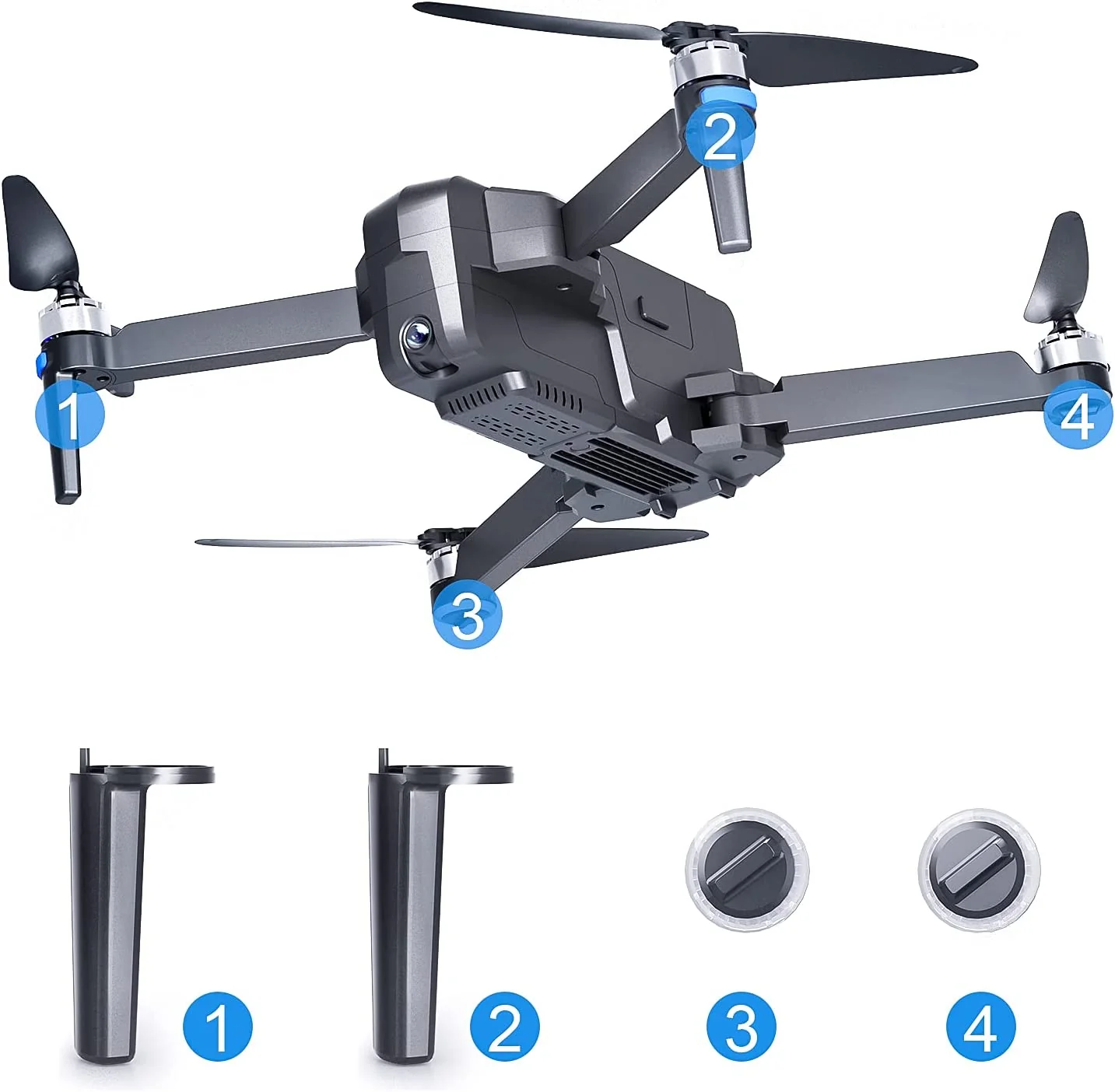
Prepare all the replacements.
Step2
Loosen the 3 screws on the bottom.

Step3
Remove the broken landing gear.
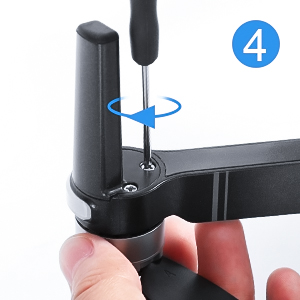
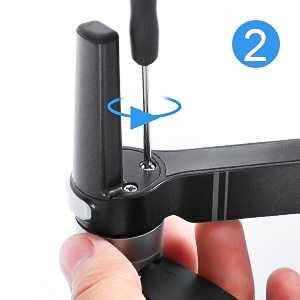
Step4
Install the new landing gear, tighten the 3 screws on the drone arm.
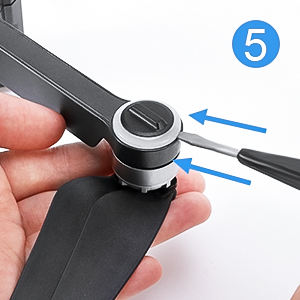
Step5
Use a small screwdriver to open the light cover.
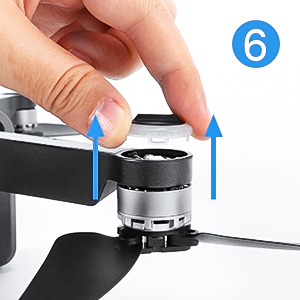
Step6
Remove the broken light cover.

Step7
Install the new light cover, pay attention to align the buckles.
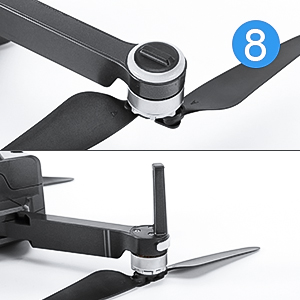
Step8
The installation is finished.
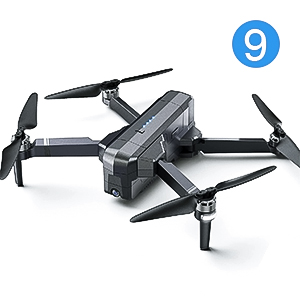
Step9
The complete drone.
Product information
Product Information
Product Information
Shipping & Returns
Shipping & Returns


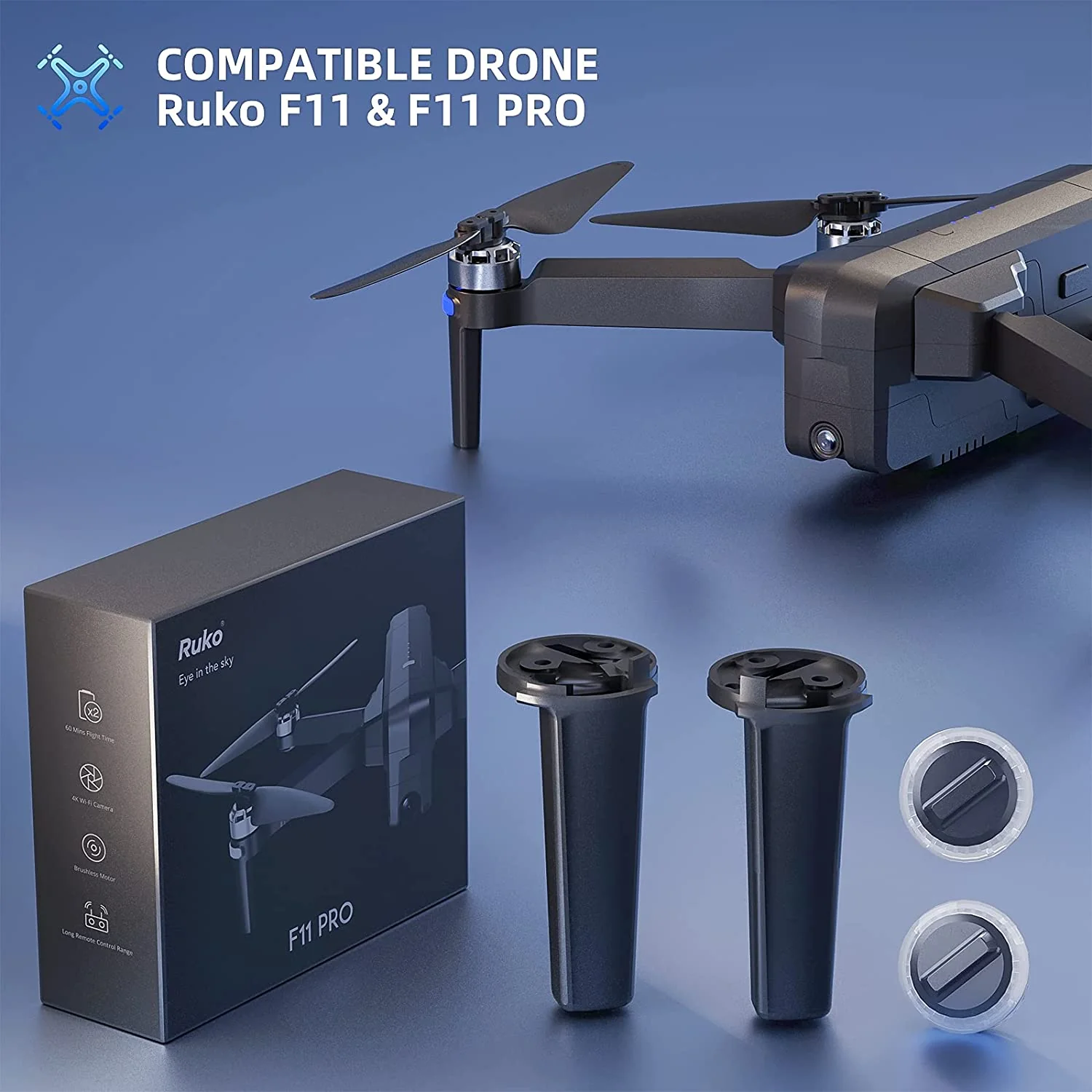
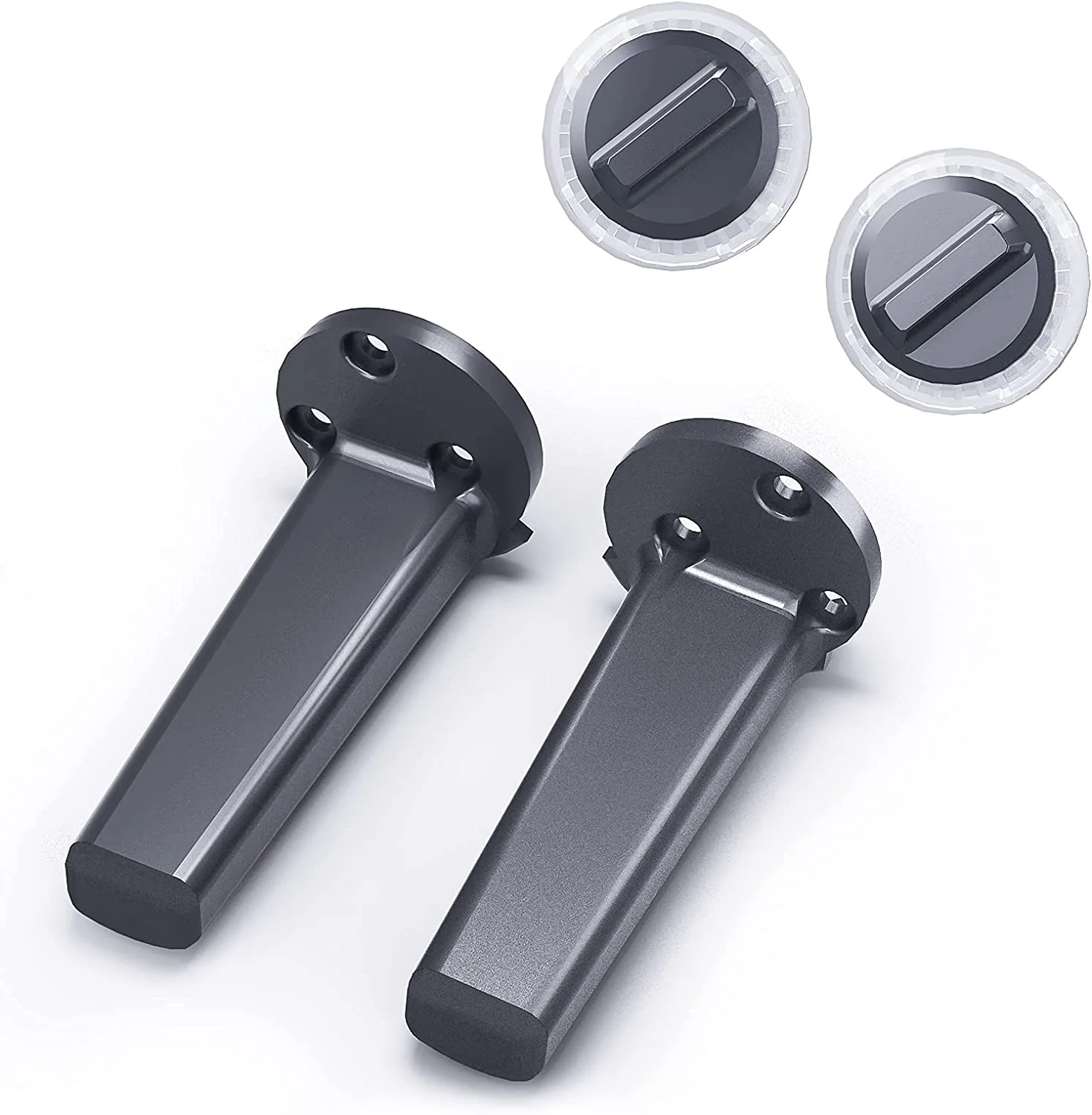
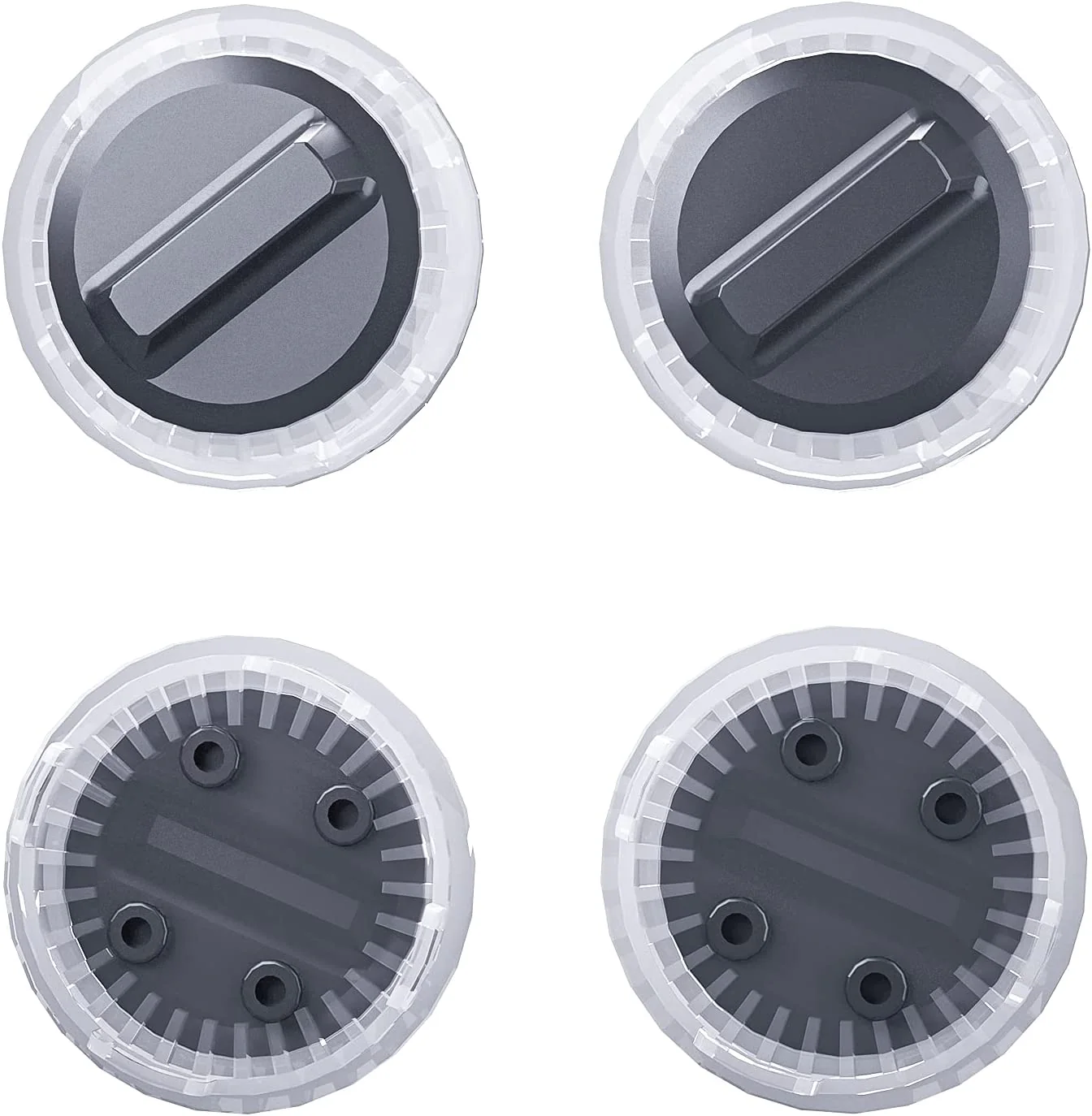
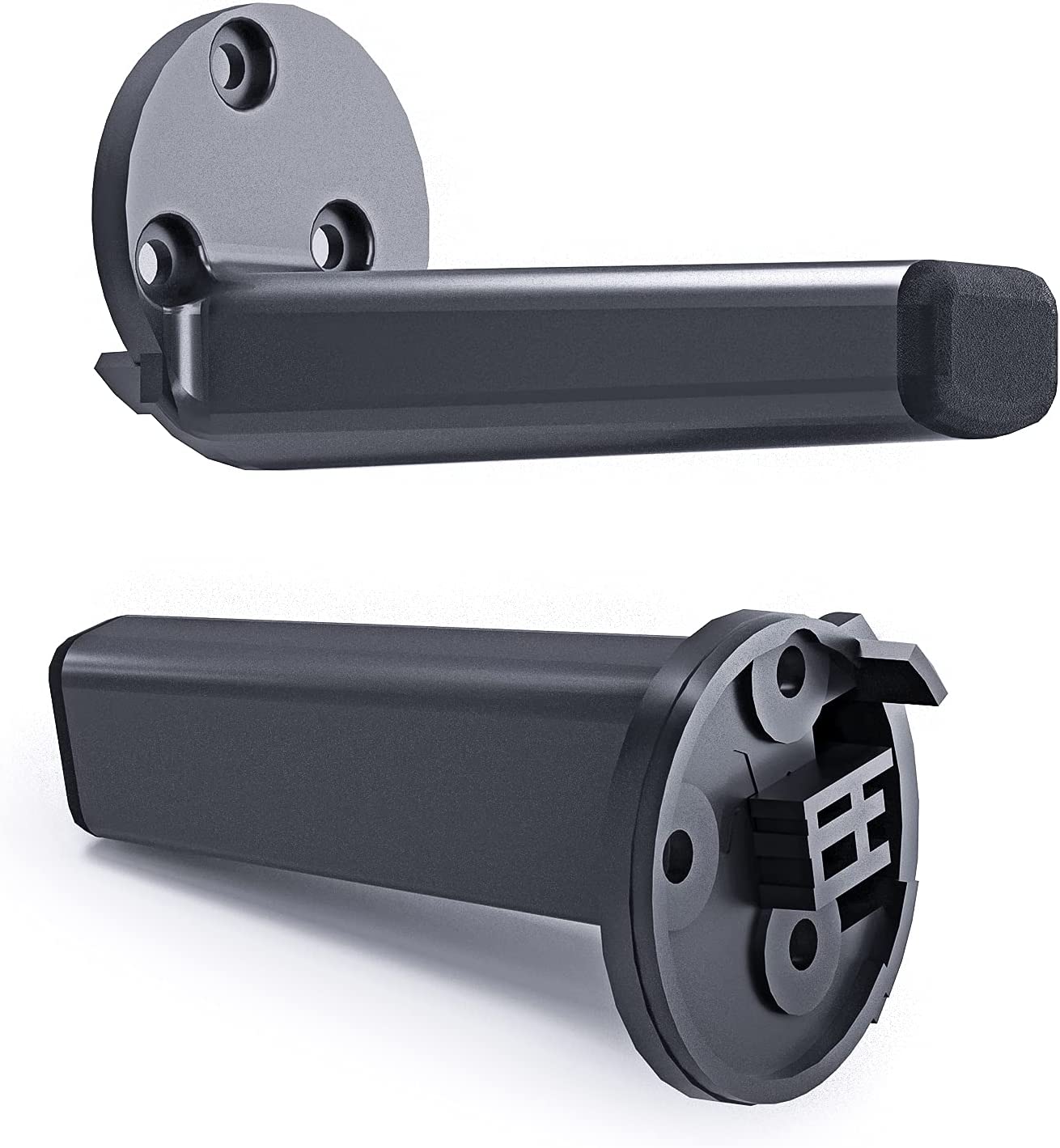
Ruko F11GIM2 & F11GIM & F11PRO & F11 Landing Gear
Ruko F11GIM2 & F11GIM & F11PRO & F11 Landing Gear
How to Replace Drone Landing Gears
Step1
Prepare all the replacements.
Step2
Loosen the 3 screws on the bottom.
Step3
Remove the broken landing gear.
Step4
Install the new landing gear, tighten the 3 screws on the drone arm.
Step5
Use a small screwdriver to open the light cover.
Step6
Remove the broken light cover.
Step7
Install the new light cover, pay attention to align the buckles.
Step8
The installation is finished.
Step9
The complete drone.
Product information
Original: $19.99
-70%$19.99
$6.00Product Information
Product Information
Shipping & Returns
Shipping & Returns
Description
How to Replace Drone Landing Gears
Step1
Prepare all the replacements.
Step2
Loosen the 3 screws on the bottom.
Step3
Remove the broken landing gear.
Step4
Install the new landing gear, tighten the 3 screws on the drone arm.
Step5
Use a small screwdriver to open the light cover.
Step6
Remove the broken light cover.
Step7
Install the new light cover, pay attention to align the buckles.
Step8
The installation is finished.
Step9
The complete drone.


